Refactoring the Tmux Multiplexer
Tmux, being true to its name, is a terminal multiplexer. This means that it lets the user operate multiple terminals as long-running servers (i.e. closing the terminal emulator will not shut down the terminal – it stays right where it was across app restarts). When I first picked it up, tmux was almost too good to be true. Just a week ago, I decided to quit.
Why?
Tmux has driven me crazy over the last few months. The biggest issue was that it was difficult to deal with many sessions over system restarts. While tmux servers are not persistent across shutdowns and reboots, plugins such as tmux-resurrect and tmux-continuum allow for limited restoration. The restoration process itself was not a dire issue. I was fine with sane, topology-preserving resurrects. What drove me crazy was that managing different sessions and projects, and switching between them, all while ensuring functioning resurrect system, flooded my mental overhead.
That was not enough to make me inclined to quit, however. Nothing could be further from the hacker spirit than turning away from inconvenience. What changed the tide, however, was the newer zellij multiplexer. Developers quote zellij’s out-of-the-box user experience, little to no need for configuration, more ergonomic keybindings, and safe plugin system. And frankly, I could not care less – I enjoy tmux’s model just as much. But zellij had the definitive killer feature for me; persistent restores using zellij attach session. When the user (or a system shutdown/reboot) closed a zellij session, it was left in a freeze-dried state waiting to be restored. No matter where I was, zellij attach project would get me exactly where I needed to be, no questions asked.
A slightly unrelated caveat also tipped the scale towards zellij – configuration reloads. Zellij reacted in a matter of milliseconds on configuration file save, no explicit reload required. Tmux has always bugged me for its slow, random, inconsistent configuration reloads. Some took place immediately, others in a few hours, and still more worked on newly opened sessions only.
I thought I had all the reasons to switch. But I didn’t.
Why not?
A few months ago, I watched a short video by Tony Banters detailing his developer workflow with tmux, neovim, and dwm. What caught my eye was his project switcher, integrated into his application launcher. That was not exactly what I wanted, but it was enough of an inspiration.
And I built my own project management system. To quickly open a project (sorted by time last opened), use prefix+a and select from a popup.
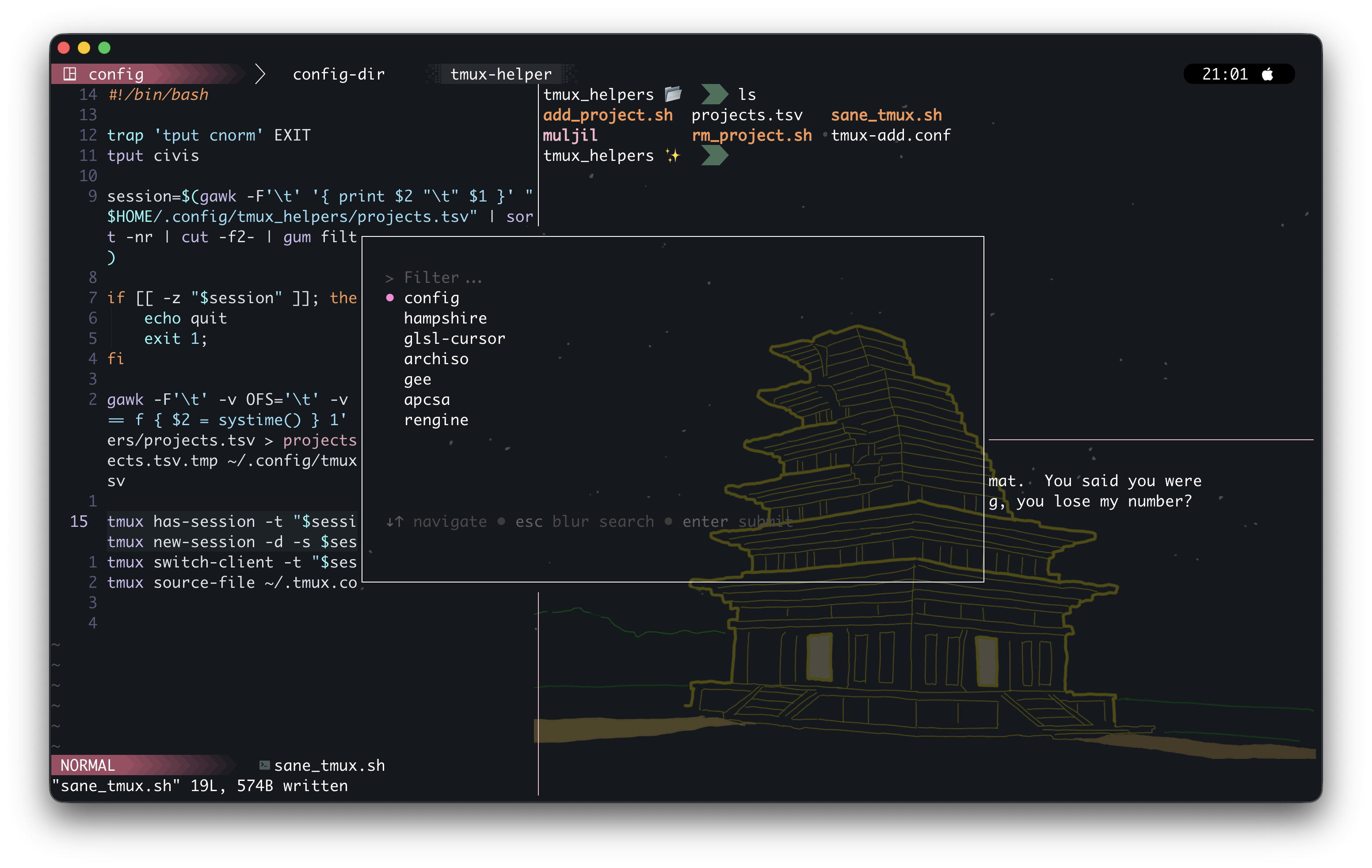
Using prefix+b immediately puts the user back to the main session. You can add a new project with prefix+shift+a and remove one with prefix+shift+r.
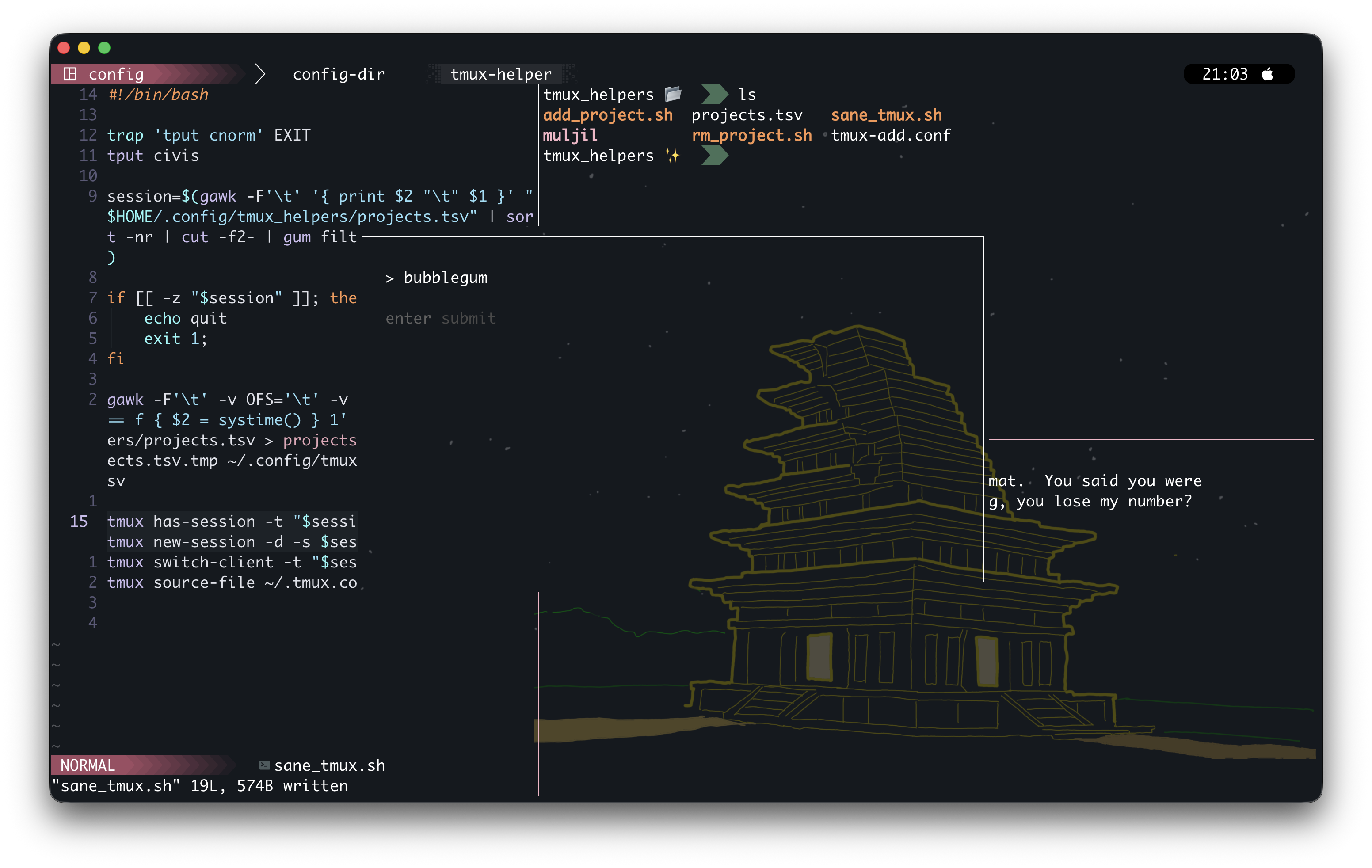
I plan to publish this is a tpm plugin in the near future. This workflow gave me what I needed most: getting where I need to be with minimal cognitive overhead.